

Setting Up Competitors
How we find competitors
We check each AI response for brand mentions and detect competitors automatically. A newly detected competitor isn't tracked right away: it needs to come up repeatedly, in several separate AI responses across more than one day, before we suggest it to you. This keeps your competitor list focused on brands that are actually worth tracking instead of filling up with one-off mentions.
If your website is new, we also bootstrap things for you: once we've processed your first batch of AI responses, the handful of most-mentioned brands are activated right away, so you're not stuck reviewing suggestions for the competitors that are obviously relevant.
If you don't want to wait for auto-detection, you can add a competitor manually any time in Settings > Website > Competitors. Manually added competitors are tracked immediately.
Active vs. Suggested
The Competitors page has two tabs:
- Active: competitors currently being tracked, whether approved from a suggestion, bootstrapped automatically, or added manually.
- Suggested: auto-detected competitors that came up repeatedly and are waiting for your review. For each one, you can Start Tracking to make it active, or Reject it if it isn't actually a competitor. You can also select several suggestions at once and use the bulk actions at the bottom of the page.
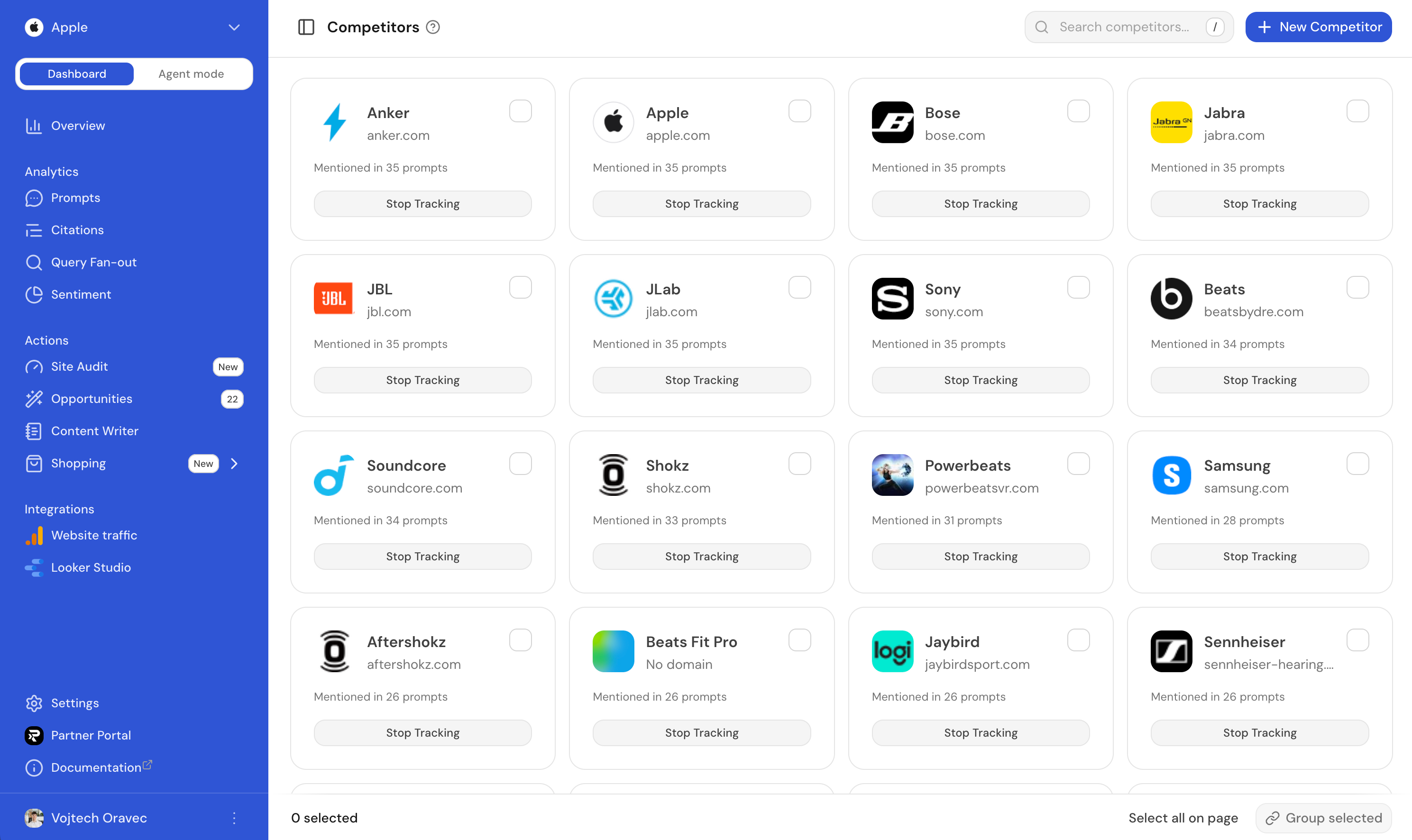
Why set up competitors?
- Share of voice: See how often you're mentioned vs. competitors in AI answers
- Competitive analysis: Track visibility trends across your market
- Find opportunities: Discover in Opportunities prompts where competitors rank but you don't
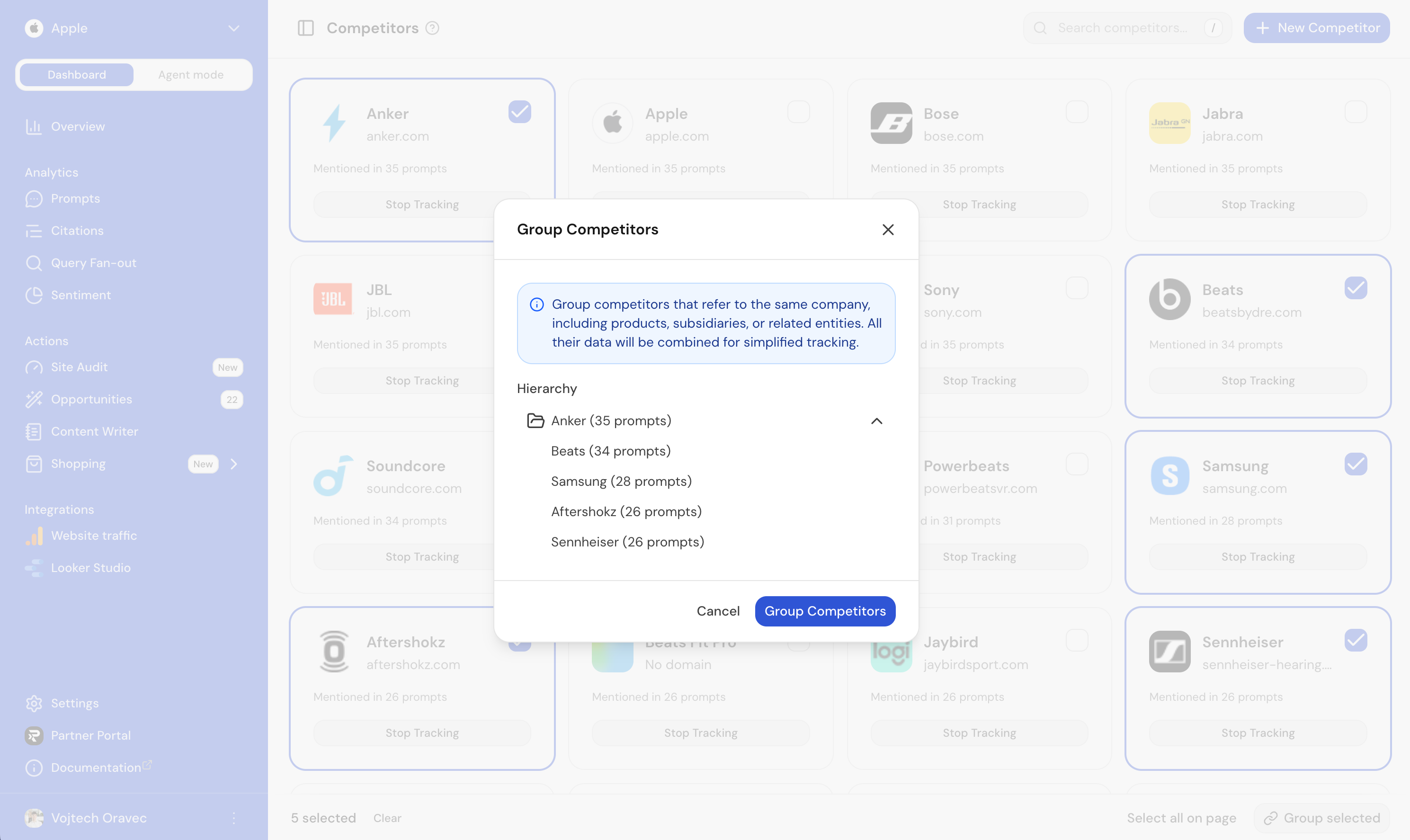
Grouping competitors
You can group competitors together. For example, Nike and Jordan are two competitors that make sense to group. Their metrics will be merged and we'll show them as just one competitor.
What Ranketta tracks
For each active competitor, we track:
- Visibility: Percentage of AI answers where they appear
- Share of voice: Their portion of the answer space when mentioned
- Position: Where they rank relative to your brand
- Sentiment score: How positively or negatively AI describes them
Use this data to identify gaps and opportunities.
FAQ
Why didn't Ranketta detect an obvious competitor automatically?
Competitors are found by checking AI messages for mentions. If a competitor hasn't come up in a response yet, it won't be detected at all. And once it is mentioned, it still needs to come up repeatedly before we suggest it, so check the Suggested tab: it may already be waiting there for your approval. If you don't want to wait, add it manually in Settings > Website > Competitors.
Why did a competitor I saw mentioned once never show up as Suggested?
Auto-detected brands that only come up once or twice and never build into a repeating pattern are cleaned up automatically after a while, so the list doesn't fill up with noise. If it keeps getting mentioned, it'll be picked up again and this time make it to the Suggested tab.
Does grouping competitors merge their past data too, or only new data going forward?
Grouped competitors are shown as a single tracked entry, with their metrics merged. This applies to how they're displayed going forward, so it's the right way to treat brands like Nike and Jordan as one competitor rather than tracking them separately.