

Getting Started
Creating Content
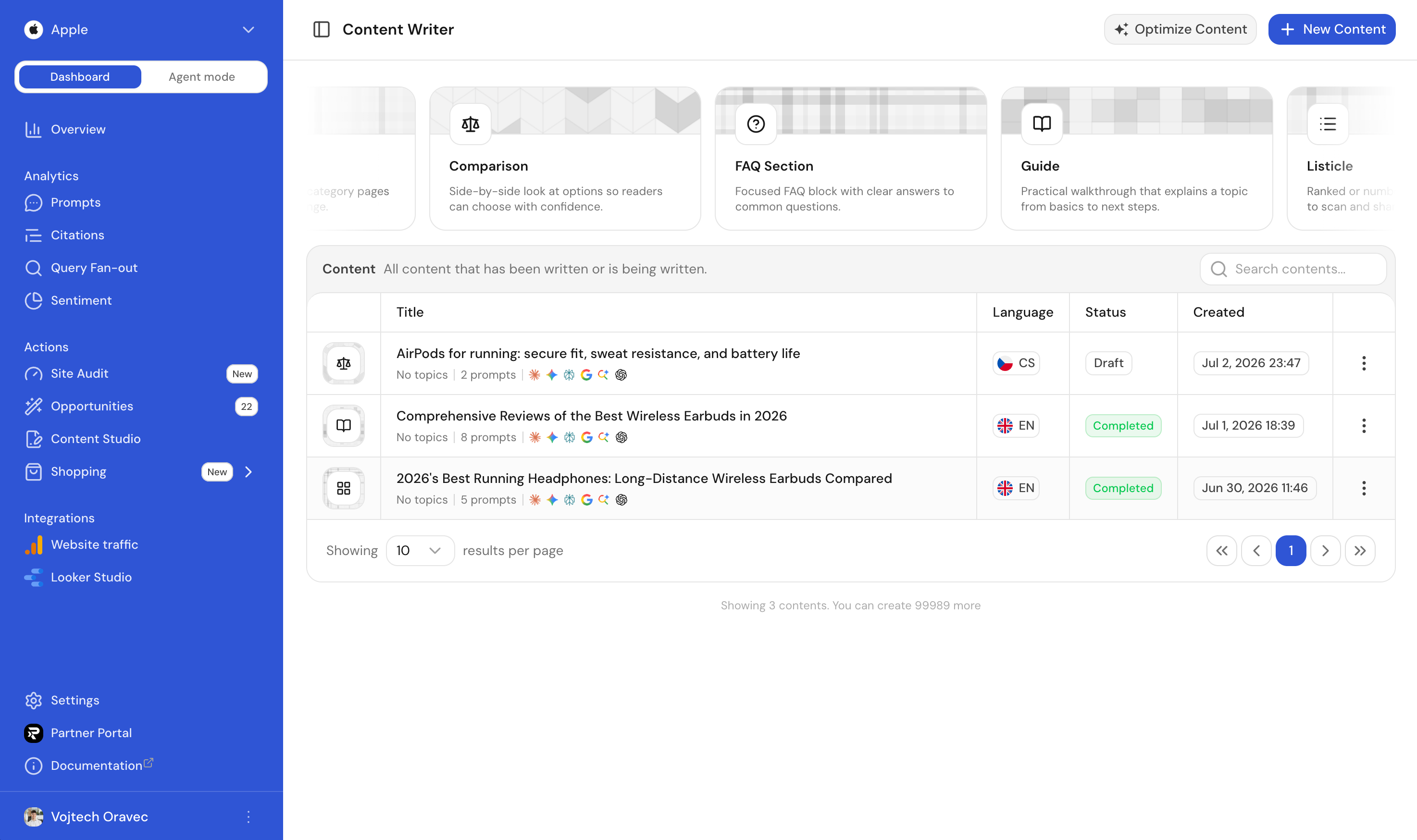
Content in Ranketta is an article that we help you write, with a specialized editor and prompts, citations, and query-fanouts to target.
Creating content
- Go to Content Studio in your dashboard
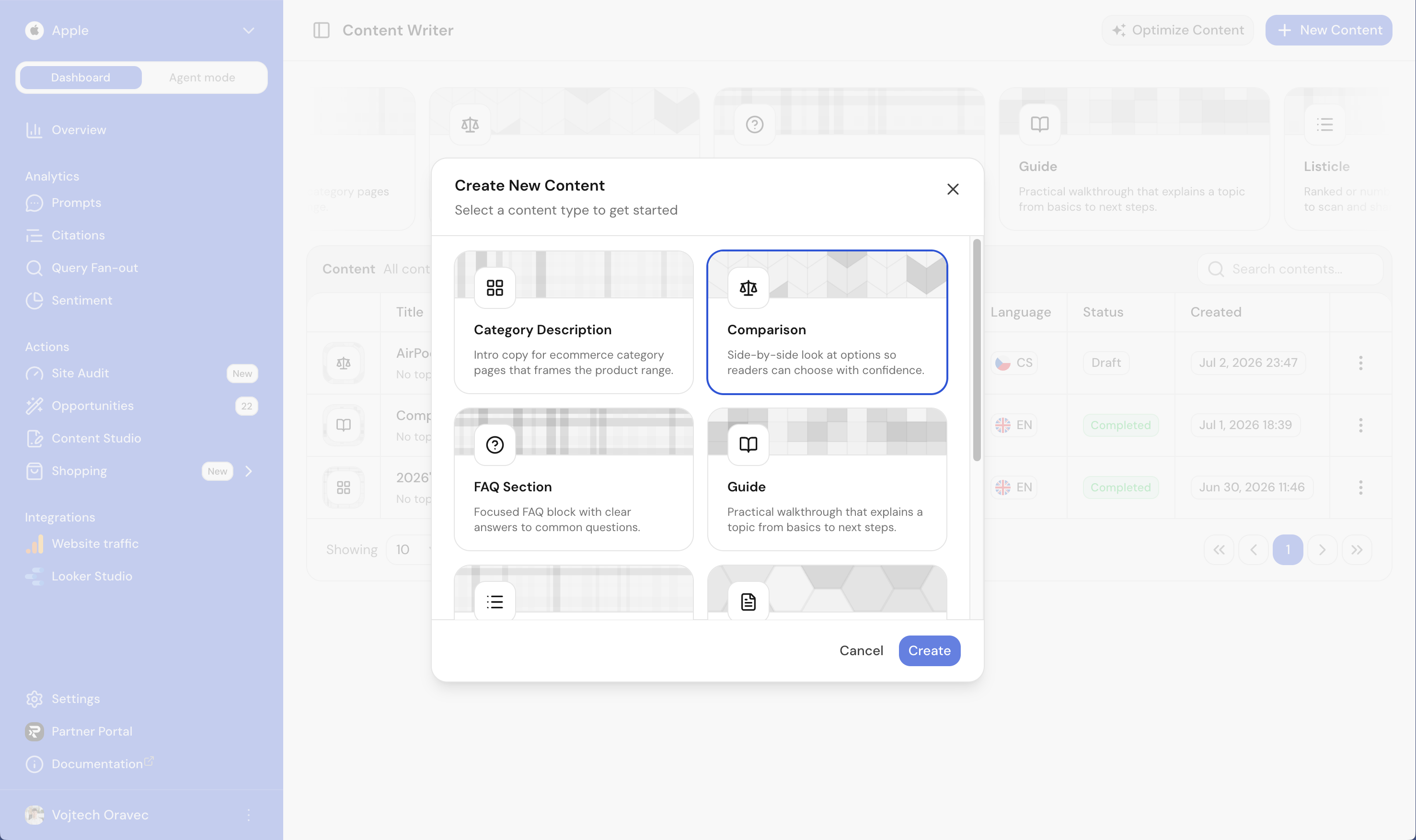
- Click New Content
- Pick a content type, like Category Description, Comparison, FAQ Section, or Guide
- Choose which prompts and topics to target with this article
- Ranketta finds the top citations and top query-fanouts to target based on your selection
- Use the editor to work through the outline and content we generate, then refine it to match your voice
How it works
- Prompts and topics: You tell us what you want to rank for. We use your visibility data to identify the best opportunities.
- Top citations: We surface the sources AI cites most for those prompts. Your article can reference and build on what AI already trusts.
- Top query-fanouts: We show you the exact search terms AI uses. Your content targets those phrases so you appear when AI looks for answers.
- Human-in-the-loop editor: Our editor helps you improve the outline and draft. No dumping AI text on you. You edit, refine, and publish.
Best practices
- Target prompts where you have low visibility or strong competitors
- Use the top citations as inspiration for structure and angles
- Align your headings and key phrases with the query-fanouts AI actually uses
- Edit and polish the generated content so it sounds like you
FAQ
Will the content read as obviously AI-generated?
No. The editor is human-in-the-loop: it helps you build the outline and draft, but you review, refine, and edit before publishing. It's a starting point, not raw AI text dumped on you.
Do I need to already know what to write about?
No. Ranketta suggests the prompts, topics, citations, and query-fanouts to target based on your visibility data, so you can start from what's actually helping or hurting you in AI answers instead of guessing.